%20(3).png)
UCaaS for telecom & technology
Connected service. A clear next step for every subscriber.
Bring subscription enquiries, activation follow-up and technical support into the same communication workspace. Shape UCaaS around your subscribers, business accounts, service desk and engineers—from the first requirement to the next service update.
Connectivity providers · Managed IT · Software & SaaS
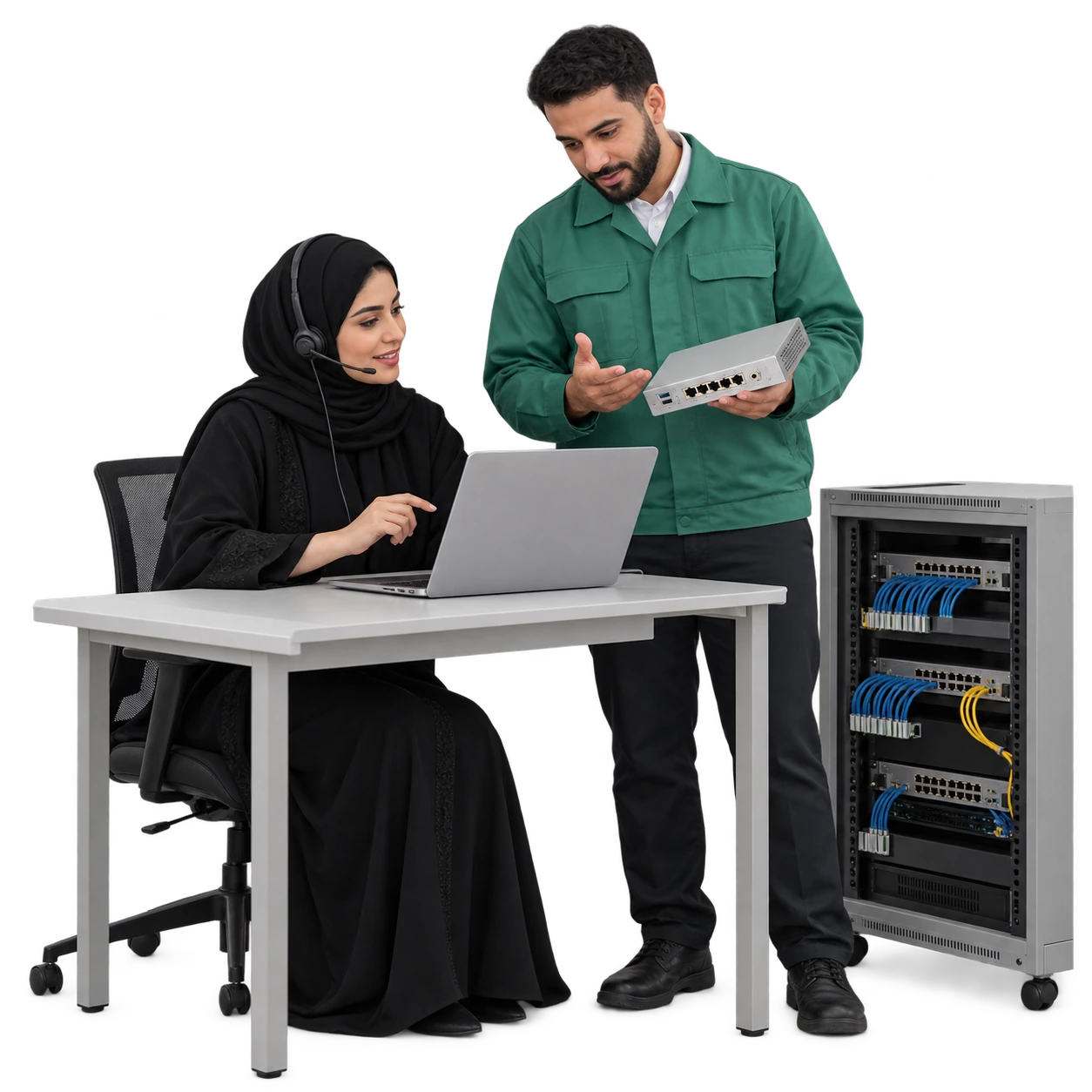
Different services. Specific conversations to organise.
Support the questions that come with connectivity, managed operations, software subscriptions and implementation work. Use the terminology and handoff that fit each service.
01
Connectivity & telecom providers
Subscriber · Circuit reference · Activation team
02
Managed IT service providers
Business account · Service desk · Support engineer
03
Software & SaaS providers
Subscription owner · Onboarding · Product support
04
Systems & technology integrators
Project contact · Scope review · Implementation lead
A useful service enquiry starts with the requirement.
Record the service type, location, business use and authorised contact before discussing the next step. Custom fields and conversation labels help sales and technical teams review the same brief; coverage, capacity and pricing are confirmed through your approved service process.
NEW SERVICE · REQ-713
Business connectivity enquiry
Organisation
Riwaq Engineering · Riyadh office
Required use
Branch connectivity and voice services
Service location
Al Malqa · Coverage review required
Authorised contact
Fahad · IT administrator
Know which service and which account contact you are discussing.
Use account and contact records, service-reference fields and interaction history to put a new conversation in context. Keep commercial, technical and billing contacts distinct instead of treating every caller as the subscription owner.
Riwaq Engineering
Account reference · AC-207
Connectivity reference
CKT-418 · Riyadh office
Software subscription
SUB-906 · Support workspace
Technical coordination
Fahad · IT administrator
Commercial approval
Abeer · Subscription owner
Invoice enquiries
Majed · Finance contact
Keep activation follow-up moving through named stages.
Use configurable ticket stages to coordinate an approved service request, pending information, implementation arrangements and confirmation with the subscriber. Your provisioning platform performs the activation; UCaaS keeps the people and communication around it connected.
01
Request received
ACT-226 · Branch connection
02
Details under review
IT contact to confirm site details
03
Implementation arranged
Appointment agreed with the account
04
Subscriber confirmation
Confirm readiness after activation notice
The router photo and the earlier call belong to the same support story.
Give the service desk the linked messages, supported attachments and earlier interactions it needs to continue the enquiry. Assign the conversation, use a suitable quick reply and keep the service reference in view as the subscriber moves between connected channels.
Technical support
CKT-418 · SUP-864
Phone call · Site connection
Email · Equipment reference
Message · Router photo
Fahad · IT administrator
Huda · Service desk
Escalate with a technical brief the next engineer can use.
Record the reported symptom, service reference, checks already discussed and missing information. Use ticket ownership, internal notes and internal calls to coordinate L1/L2 support or a network operations team, with one clear owner for the subscriber update.
SUP-864 · CKT-418
Intermittent branch connectivity
Reported onset: after the morning opening
Known context
Router photo received · Site contact identified
Still required
Impact on other devices · Timing of interruptions
L1 service desk
Huda · Prepare the support brief
L2 technical review
Walid · Review supplied evidence
Subscriber update owner
Huda · Continue the conversation
When service is disrupted, communicate what has been confirmed.
Keep the incident reference, affected service context and approved update together. The network or product team confirms the technical status; the service desk communicates that update and follows the next agreed contact time without guessing a restoration promise.
INC-052 · Approved service update
Technical review is in progress
Our technical team is reviewing the interruption affecting the reported branch service. Your enquiry remains under SUP-864; the service desk will share the next confirmed update.
Track the reply commitment alongside the service commitment.
Apply supported response and resolution policies to support tickets, priorities and escalation follow-up. Network uptime, service restoration and compensation are determined by your service agreement and operational systems; communication metrics give supervisors another useful view.
UCaaS · Service ticket
Response & follow-up
Ticket status · Responsible team · SLA target
Your service agreement & operations
Technical service outcome
Availability · Restoration · Contractual terms
Match the channel to the subscriber’s reason for contacting you.
Connect the channels used for quick questions, technical evidence, formal account correspondence and concise updates. A channel has a purpose in the service journey—not just a logo.
.png)
.png)
.png)
.png)
.png)


Keep Facebook Page enquiries about technology services with the assigned team and their next reply.
Let the business number reach the right service queue.
Configure Saudi business numbers, IVR and available call routing around subscription sales, technical support and account enquiries. Queues, missed-call follow-up, interaction history and authorised recording review help the service desk handle demand with context.
011 · 9200 · 800
Configured Saudi business number
Missed a call?
Assign the callback to the relevant team.
An invoice question deserves its own accountable follow-up.
Keep the invoice reference, questioned charge and authorised finance contact with the enquiry. The account team can request clarification, share the approved explanation and record the response while the billing system remains the source for amounts, credits and payment status.
INV-338 · ACC-119
Invoice enquiry
Clarification of the additional service line
Enquiry from
Majed · Finance contact
Required action
Account team to confirm the billing explanation
Reference and explanation stay with the conversation.
A service change starts with the person authorised to request it.
Separate an upgrade request, renewal discussion or cancellation enquiry from a technical fault. Keep the current service reference, requested change and decision contact visible; availability, eligibility and contract changes follow your approved commercial process.
SUB-906
Software subscription
Add another support team
Requested by Abeer · Subscription owner
Commercial follow-up
Review user needs and confirm the proposal
Make the onboarding session useful before it begins.
Schedule a product walkthrough, implementation review or agreed support call with the correct account contacts. Calendar details preserve the session purpose, preparation and next action; supported Google or Outlook event synchronisation can fit the team’s working calendar.
Thursday
11:00
Product onboarding
Set up the support workspace
Participants
Abeer · Subscription owner / Nawaf · Onboarding
Preparation
Confirm team roles and the service process
Next step
Agree the first workflow to configure
Give AI approved product knowledge and a clear handoff.
Prepare AI Agents with approved setup guidance, service FAQs and the information needed for a support enquiry. Help subscribers understand the next step and collect a usable service reference; route technical judgement, account permissions or service commitments to the authorised specialist.
Approved support knowledge
What information should I include in the request?
Please share the service reference, a description of the issue, when it started and the authorised contact. The service desk will review the request and arrange specialist follow-up.
Specialist handoff
Technical assessment · Account change · Service commitment
A technical fault and a renewal should take different routes.
Use supported message, missed-call or record-update triggers with conditions and actions suited to the service. Route the conversation to a team, notify its owner or send an approved response, with the actual event and channel rules agreed during configuration.
Enquiry received
Classify the service purpose
Engineers can stay connected when the support work leaves the desk.
Use supported UCaaS mobile calling, messaging and ticket tools according to the app version and permissions. Internal coordination keeps the service desk informed while a visiting engineer or implementation lead follows the account conversation.
Implementation team
ACT-226 · Site access confirmed
Tariq · Implementation engineer
Internal coordination
The site contact has confirmed access. Please keep the subscriber informed after the technical team confirms the activation status.
Next external reply
Service desk
Make outreach relevant to the subscription and service stage.
Segment account contacts for renewal conversations, agreed maintenance notices or product demonstrations. Use supported WhatsApp, SMS and calling campaigns with approved content, applicable consent and templates, appropriate sending times and configured capacity.
Renewal conversation
Subscription decision contacts
Discuss the next service period and current needs.
Planned service notice
Affected service contacts
Share the approved scope and the support contact.
Product demonstration
Qualified technology enquiries
Invite the relevant team to a scoped walkthrough.
Connect the service context your support team actually needs.
Connect service references with customer conversations through APIs and webhooks for coordinated subscription and support follow-up.
Your operational systems
OSS / BSS / CRM / ITSM
Technical state · Subscription · Invoice · Incident
Agreed connection
AC-207 · CKT-418 · SUP-864
Map references, supported events and authorised data.
UCaaS communication context
A confirmed update for the service desk
Conversation · Ticket · Responsible account contact
Review how support communication performs around the service.
Use available call, conversation, ticket, SLA and campaign reports to review demand and follow-up. CSAT adds the subscriber’s view of the service interaction; network telemetry, uptime and product usage remain measured in their own operational systems.
Call reports
Who still needs a callback?
Answered and missed calls · Team follow-up
Service reports
Where are replies or tickets waiting?
Conversation activity · Ticket status · SLA
Subscriber feedback
Was the support explanation clear?
CSAT after the appropriate service interaction
A Saudi operating base, with access shaped around service roles.
UCaaS combines local hosting, Saudi phone-service connectivity and Arabic/English communication tools. Configure team access and permissions for subscription sales, technical support, account management and supervisors, with authorised access to conversations and recordings.
Local hosting
Full local hosting within Saudi Arabia
Saudi voice connectivity
STC · Mobily · Zain KSA · GO Telecom
Team access
Sales · Service desk · Engineers · Supervisors
Questions before connecting your service teams.
Which providers can configure this solution?
Telecom and connectivity providers, managed IT service providers, software and SaaS teams, and technology integrators can configure UCaaS around their communication, account records and support handoffs. The configuration starts with an agreed service process.
How do we organise customer support communication?
Organise customer communication, account records, support tickets and follow-up in one workspace.
Can billing and subscription data be connected?
Keep subscription and invoice references beside customer conversations to coordinate account enquiries.
How are support teams and engineers coordinated?
Conversation and ticket assignment, internal notes and internal calls keep the support brief and responsibilities clear. Configure permissions and supported routing rules for each team, and identify who sends the next external subscriber update.
Can AI commit to restoration times or technical decisions?
Prepare AI Agents with approved service knowledge and enquiry collection. Technical judgement, account changes and restoration commitments follow authorised specialist review; their handoff conditions are part of configuration.
How do we organise subscription and support journeys?
Organise subscription and support journeys around your teams, channels, service references and response targets.
Start with the service journey your subscribers need to understand.
Show us how an enquiry reaches sales, activation and support today. We will shape the communication workspace around that journey and your authorised service data.