%20(3).png)
UCaaS for logistics & transport
The shipment moves. Keep everyone in the conversation.
Connect shippers, consignees and transport teams around the details that matter. From a freight enquiry to a delivery exception, UCaaS keeps the conversation, its owner and the agreed next action together.
Road freight · Warehousing · Distribution · Freight forwarding
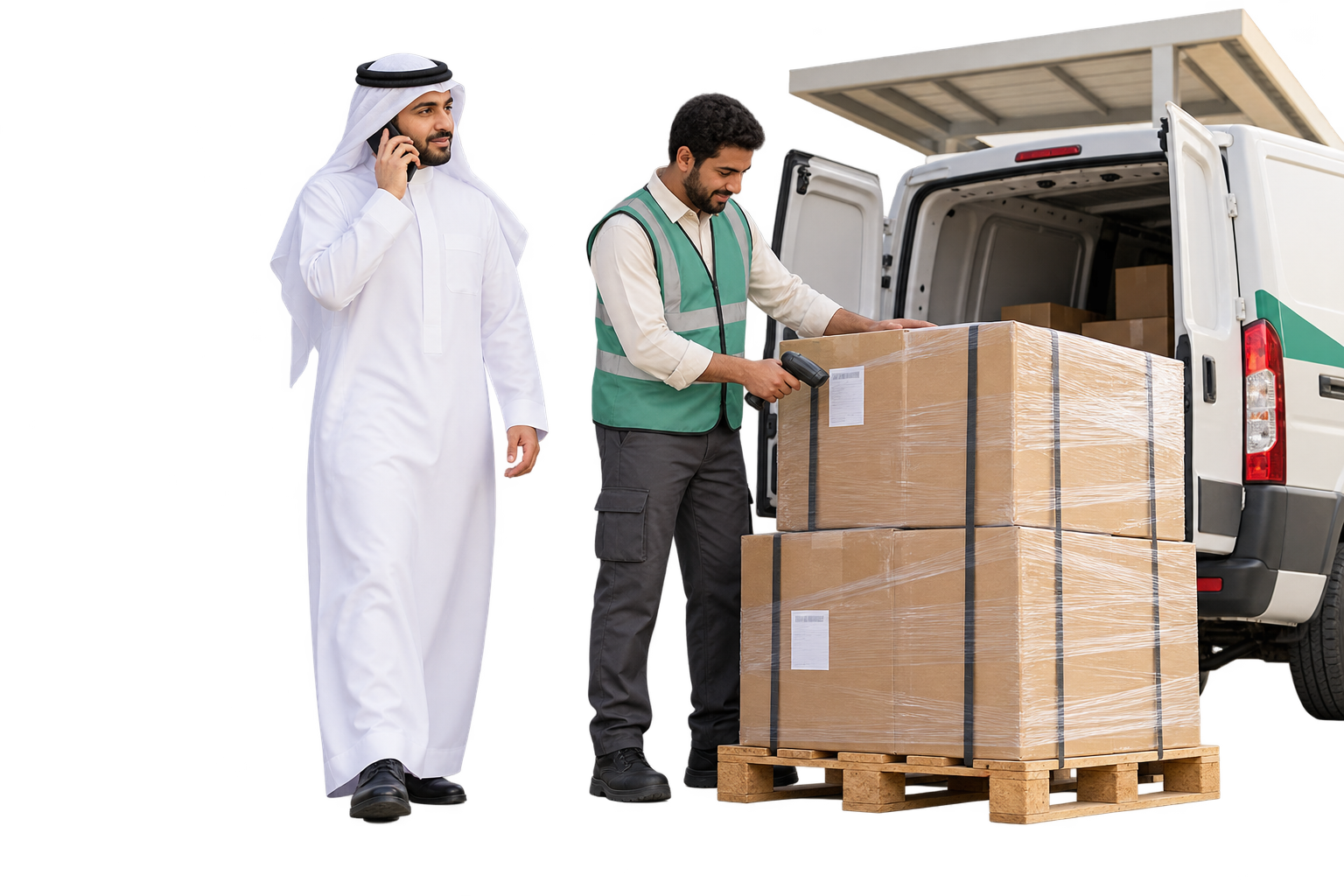
Different operations, connected service
A workspace around the transport you provide.
Configure service categories, branches and team responsibilities for your operation. Give every enquiry a route that reflects the people behind the shipment.
01
Road freight
Coordinate collection questions, transport enquiries and branch follow-up.
02
Warehousing & distribution
Keep dispatch readiness, receiving contacts and access details in context.
03
Freight forwarding
Follow quotation requests and document enquiries with the relevant specialist.
04
Contract transport
Organise communication with recurring shippers and their authorised contacts.
Start with the load, not a scattered message
Prepare a freight enquiry your team can price.
Capture origin, destination, cargo type and the requested service in relevant fields. Keep the shipper’s questions and attachments with the contact so the quotation team can clarify the brief before offering a rate.
FREIGHT ENQUIRY
Riyadh → Dammam
Cargo
Palletised commercial goods
Service requested
Road freight quotation
Collection readiness
Shipper to confirm
Quotation follow-up · FQ … 516
One load, distinct responsibilities
Know who needs the next answer.
Keep shipper and consignee contacts recognisable, with their relevant accounts and previous interactions. Use a shipment or service reference to explain the enquiry, while the transport system retains the operational shipment record.
Shipper
Dispatch contact
Consignee
Receiving contact
Transport coordinator
Communication follow-up
Before the vehicle arrives
Agree the collection details before the busy moment.
Use the calendar for agreed coordination calls and follow-ups. Record the loading contact, access point and readiness questions. Confirm collection availability with dispatch before communicating a booking; vehicle allocation stays in your transport system.
COLLECTION WINDOW
14:00—16:00
Agreed with the shipper
Location
Industrial warehouse · Gate 3
Receiving contact
Dispatch supervisor
Confirm cargo readiness before dispatch.
Your service desk sees the work behind the enquiry
The receiving question belongs with its follow-up.
Use the unified inbox to find connected enquiries, review context and assign the next reply. Labels distinguish collection, receiving access, documents and shipment-service questions, so your teams can focus on the conversations they handle.
UCaaS
Transport service desk
Assigned conversations
Collection enquiry
Dispatch desk
Receiving access
Transport support
Document request
Service follow-up
Receiving access · SH … 728
Assigned to transport support
When a planned delivery needs another conversation
An incomplete attempt should lead to a useful next action.
Create a service ticket for an unreachable receiving contact, access issue or disputed delivery detail. Keep the communication task, supporting information and responsible team visible until follow-up concludes. Dispatch confirms the operational action before it is promised to the consignee.
DELIVERY EXCEPTION
Receiving site unavailable
EX … 382
Contact the consignee
Clarify site access
Coordinate with dispatch
Check the next feasible attempt
Record the agreement
Owner and next contact
The update comes from a confirmed event
Send information the shipper can act on.
Use WhatsApp templates and outbound SMS to coordinate shipment notices and follow-up reminders.
CONFIRMED EVENT
Dispatch confirms the next collection window
Reference
SH … 728
A channel for the coordination you need
Reach the shipper and consignee through connected channels.
Bring activated channels into a shared service workspace. Pick the channel that fits the information and recipient, with its messaging rules and your team’s permissions in mind.
.png)
WhatsApp Business
Collection details and supported attachments.
Open channel →
.png)
Calls & voice
Clarify an urgent access or receiving question.
Open channel →
.png)
Outbound SMS
A short reminder for the agreed contact.
Open channel →
.png)
Freight briefs and document correspondence.
Open channel →
.png)
Live chat
Help a shipper clarify the requested service.
Open channel →

Bring Instagram direct messages about shipments to the right team for follow-up.
Explore channel →

Messenger
Keep Facebook Page enquiries about shipments with the assigned team and their next reply.
Explore channel →
One business voice for your service desks
Let the call reach the desk that can help.
Configure activated Saudi business numbers, IVR choices, working hours and call routes around your service desks. Use call history and available recordings to revisit what was agreed. For planned outreach, align call campaigns with the team that will handle answers.
TRANSPORT SERVICE LINE
Choose the enquiry destination
New freight enquiry
Quotation desk
Collection coordination
Dispatch desk
Shipment service follow-up
Transport support
A branch changes. The agreement should not disappear.
Carry the service brief into the next shift.
Coordinate branches and dispatch teams with assignment, private notes and internal calls. Continue communication follow-up from the mobile app.
15:00
Service handover
What still needs a reply?
Receiving access · SH … 728
Check the updated entrance with dispatch.
Who takes over?
Evening transport support
Next consignee contact agreed.
A document question needs its own context
Keep the request for delivery evidence with the people handling it.
Capture document and invoice enquiries in the conversation or a service ticket, with supported attachments and the relevant contact. Check the authorised source before sending delivery evidence. UCaaS connects correspondence; the original proof, customs record and financial posting stay in their source systems.
DOCUMENT FOLLOW-UP
Delivery evidence enquiry
DOC … 649
Requested by
Shipper’s operations contact
Source to consult
Authorised transport records
Service task
Share the available document or explain the next step
Service knowledge that does not guess the shipment
Let routine preparation questions take less coordination time.
Configure AI agents on supported messaging channels using your approved service guide. Help with cargo preparation, coverage information and contact routes. Hand over pricing, live shipment status and operational exceptions unless an authorised integration supplies confirmed information.
SERVICE KNOWLEDGE
“What do you need before collection?”
Preparation
Service coverage
Contact route
Approved guidance on cargo preparation and the enquiry route.
A shipment-specific status or price → responsible specialist
Service rules that reflect your operation
A receiving question should not wait in the quotation queue.
Define configured routing conditions by service type, branch or working hours. Connect available workflow actions such as assignment, notifications and service follow-up to those conditions. Test the route for an unavailable desk and keep operational decisions with dispatch.
WHEN THE ENQUIRY CONCERNS
A receiving-access change
Assigned team
Transport support
Follow-up action
Check with dispatch before confirming
Connect the fact to the conversation
Let operational systems supply the shipment update.
Assess the APIs and Webhooks available in your TMS, WMS or shipment system. Agree the reference mapping, events, permissions and failure handling before rollout. Tracking, vehicle location, route planning and official delivery evidence stay in their operational tools.
Transport management
Shipment status, dispatch and delivery records
Warehouse management
Cargo readiness and receiving events
Agreed references + confirmed events · API / Webhook
UCaaS communication & service
The enquiry, its owner and the confirmed reply
A service response and a truck arrival are different commitments
Set service follow-up targets your team can own.
Apply available SLA policies to covered conversations or tickets, with defined priorities, response targets and escalation owners. Separate the time to respond from transport transit time. A service timer does not establish a guaranteed vehicle arrival or delivery promise.
PRIORITY SERVICE FOLLOW-UP
Access issue before unloading
Responsible desk: transport support
Response target
Configured service policy
Operational outcome
Confirmed by dispatch
The right detail for the right responsibility
Keep the service workspace organised across desks.
Configure teams and available permissions for quotations, transport support and branch supervisors. Agree which contacts, channels and service records each role needs, then review access before broadening the operation.
Quotation specialist
Freight enquiries and relevant shipper context
Transport service coordinator
Assigned follow-up and receiving enquiries
Service supervisor
Team workload and available service reporting
Read the coordination, alongside the movement
Find the communication friction behind repeat enquiries.
Review available conversation, ticket, call and campaign reports together with service ratings. Identify waiting replies and repeated coordination questions, then improve the handover. Operational delivery, fleet and warehouse KPIs still come from the systems that measure them.
Which enquiries need another contact?
Open conversations and assigned service work
Where is the service line under pressure?
Available call and queue reporting
Did the shipper receive the notice?
Campaign and message delivery reports
How clear was the follow-up?
Ratings and service feedback
Questions from transport and logistics teams
Connect dispatch and customer-service follow-up.
A few answers to help prepare your service and integration discussion.
Does UCaaS replace our transport or warehouse system?
UCaaS organises communication and service follow-up. Shipment movement, vehicle allocation, inventory, route planning and official transport records stay in their designated systems.
Can we distinguish the shipper from the consignee?
Use relevant contact/account records, labels and supported custom fields to capture each party’s role. Agree the terminology and configuration with the UCaaS team.
Can the shipper receive automatic shipment updates?
Approved messaging and available workflows can support updates. Automatic shipment-specific information requires confirmed events from an assessed integration, an activated channel and the appropriate message rules.
Can branches and dispatch teams share the follow-up?
Configured teams, assignment and internal collaboration support a clear next owner. Access and available mobile capabilities follow the account setup.
How do dispatch and customer-service teams coordinate?
Keep shipment references and confirmed operational updates with the conversation so dispatch and the customer-service team can coordinate their reply.
Can AI confirm a price or an arrival time?
AI assists from approved service knowledge on supported messaging channels. A freight rate, arrival time or operational exception must come from an authorised specialist or confirmed integrated data.
How do we organise collection and delivery enquiries?
Organise collection and delivery enquiries around your channels, branches and responsible teams.