%20(3).png)
UCaaS for dental clinics
Cloud communications for dental clinics.
Bring dental clinic calls and WhatsApp into one cloud communications platform for reception and appointment teams. Keep patient enquiries, visit coordination and service follow-up connected, with full local hosting within Saudi Arabia.
Dental practices · Orthodontic clinics · Dental centres
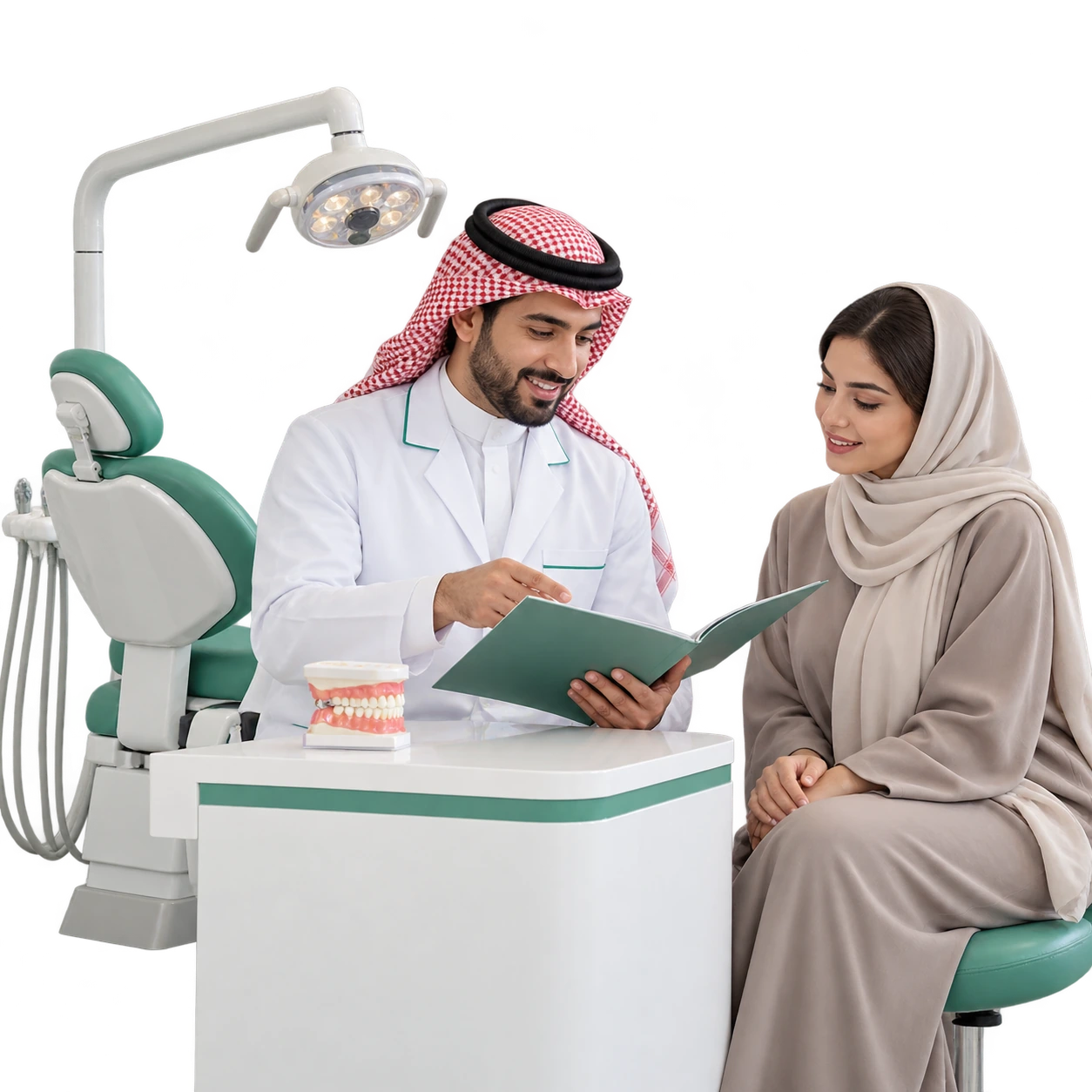
Reception, the appointment team and the dentist share a patient journey.
The patient asks about the visit; reception records the enquiry; the appointment team confirms arrangements; the dentist handles clinical questions. Keep ownership clear at each handoff.
Reception
First enquiry
Service question and relevant branch.
Appointment coordination
Agreed visit
Confirmed time and visit reference.
Dental team
Clinical follow-up
The assigned dentist reviews the question.
A new dental enquiry needs the right desk from the beginning.
Record the requested consultation, branch and preferred contact method in configurable fields. Label enquiries for general dentistry, orthodontics or a service the clinic offers, then assign reception to clarify the administrative next step.
Dental enquiry · DE-204
Abdullah · Consultation enquiry
Requested service
Orthodontic consultation
Branch
Riyadh dental centre
Assigned desk
Reception · Sara
Confirm the visit, then keep its details easy to revisit.
Use the calendar for an appointment agreed with the patient and confirmed by the clinic’s authorised scheduling team or source system. Keep the branch, visit purpose and relevant contact with the event, and share the confirmed details through an enabled channel.
Confirmed consultation
Wednesday · 5:30 PM
Visit reference
DV-306
Clinic
Orthodontic consultation desk
Contact reception if you need to change the visit.
The next session should remain connected to the previous conversation.
Coordinate a follow-up or orthodontic review requested by the treating team. The clinical plan stays with the clinic; UCaaS keeps the agreed appointment discussion, patient reply and follow-up owner together.
Patient context
Abdullah · CT-208
Previous visit enquiry · DV-306
Next reply owner
Sara · Appointment team
Prepare the visit using instructions approved by the dental team.
Use reviewed replies for the clinic address, agreed arrival arrangements and any preparation message approved for that visit. Direct questions about medicines, fasting or treatment suitability to the treating team with the conversation context.
Visit preparation · DV-306
Your clinic visit details are ready.
Review the address and the instructions sent by your dental team. Contact reception if you need an administrative clarification.
Changing the appointment should not lose the patient’s request.
Keep the requested change in the same conversation, assign the appointment coordinator and record the confirmed alternative after checking with the clinic. Use supported reminders for the agreed arrangement.
Patient reply
Can we move the review to another day?
Coordination status
Alternative time being checked
Responsible team
Dental appointment coordination
Share the replacement details once the clinic confirms them.
A dental question reaches the dentist with its original context.
Reception records the patient’s question and routes it through the clinic’s agreed process. The authorised dental team reviews the message and any supported attachment, then provides the clinical response.
Patient message
A question after my dental visit
Reception action
Record reference and route the enquiry
Clinical owner
Assigned dentist or authorised dental team
Reply recorded with the enquiry
Patient-service follow-up needs its own ticket and owner.
Use service tickets for an appointment coordination issue, a request for an administrative document or a concern about reception follow-up. Link the visit reference, assign the patient-service team and apply the clinic’s response and resolution SLA.
Patient service · DS-118
Appointment confirmation enquiry
Visit reference
DV-306
Owner
Reem · Patient service
Next action
Review the confirmation with appointment coordination
Choose the channel that fits the dental visit conversation.
Connect enabled channels for appointment questions, permitted reminders and patient-service replies. Keep each response assigned and linked to its relevant contact.
.png)
Visit enquiries, approved instructions and permitted templates.
.png)
Reception calls, appointment queues and assigned callbacks.
.png)
Outbound reminders for an agreed visit through enabled SMS.
.png)
Documented administrative correspondence with the clinic.
.png)
First questions from a dental-centre website visitor.

Bring Instagram direct messages about appointments to the right team for follow-up.

Keep Facebook Page enquiries about appointments with the assigned team and their next reply.
A busy reception can still give each call a clear destination.
Configure IVR, business hours and queues for new appointments, existing-visit follow-up and patient service. Assign missed-call callbacks and use available history and enabled recording for authorised service review.
The next shift starts with the enquiry already understood.
Keep a concise private note with the assigned conversation. Use internal calling to confirm coordination between reception and the relevant clinic team; authorised mobile access keeps follow-up available away from the reception desk.
Patient enquiry
Appointment change · DV-306
Next coordinator
Omar · Reception
AI helps with clinic information and hands clinical questions to the dental team.
Use approved knowledge for branch information, consultation arrangements and reception contact details. Configure the handover for questions that need the patient’s visit context or a clinical decision.
Website question
How do I request an orthodontic consultation?
Contact reception to discuss the branch and arrange a consultation after clinic confirmation.
Treatment or personal visit question → authorised dental team
Automate the administrative step your clinic has agreed.
Use supported triggers, conditions and actions for configured enquiry categories and service updates. Assign the appointment team, create a service ticket or notify the responsible coordinator when the matching event occurs.
Enquiry category
Appointment change
Configured action
Assign appointment coordination
Patient reply and visit reference stay with the coordinator
Bring permitted outreach back to a team ready for the replies.
Use supported campaigns for an agreed contact group and a clinic-approved message, such as inviting people who requested a consultation to arrange their visit. Review available sending results and assign incoming enquiries to reception.
Audience
Contacts who requested a consultation
Reply team
Dental reception
Clinic invitation
Ready to arrange your consultation?
Reply with your preferred contact time; reception will coordinate the available arrangement with you.
Access follows the clinic role; reports follow the service interaction.
Configure reception, appointment and patient-service permissions. Review available call, conversation, ticket and campaign reports alongside patient-service feedback to improve how the clinic responds and coordinates.
Reception
Calls awaiting a return
Review missed calls and assigned callbacks.
Appointment team
Open coordination enquiries
Review conversations and responsible coordinators.
Patient service
Service requests to follow
Review ticket status and response indicators.
Service feedback
Was the visit arrangement clear?
Use supported satisfaction tools after the relevant interaction.
Link the visit reference to the clinic system that owns it.
Agree the supported interface, contact mapping and authorised fields to exchange with your clinic system. Scheduling availability, treatment plans and clinical records remain in their source system; UCaaS brings the relevant reference to the conversation and service follow-up.
Clinic source
Visit reference · Confirmed update
Agreed fields, events and access
UCaaS service context
Enquiry · Assigned owner · Next reply
Saudi communication for your dental branches.
Prepare Arabic and English replies, configure each branch’s service responsibility and connect local business calling with your enabled channels. UCaaS has full local hosting within Saudi Arabia.
Local operators
STC · Mobily · Zain KSA · GO Telecom
Branch coordination
Reception and patient-service teams
Questions before connecting your dental reception.
Start with your appointment enquiries, clinic roles and existing systems.
Is this solution specific to dental clinics?
The communication setup follows dental reception, consultation enquiries, follow-up visits, orthodontic reviews and patient service. Configure the fields, teams and routing around the services your clinic actually offers.
Does UCaaS replace the clinic’s treatment or scheduling system?
UCaaS supports communication and service coordination. The clinic’s designated system remains responsible for treatment plans, clinical records and appointment availability; any data exchange is agreed through a supported integration.
Can patients receive visit reminders?
Use enabled channels and supported sending workflows for the agreed confirmed visit. Define the contact, message and sending conditions in the clinic setup.
How are clinical questions handled?
Reception records and routes the enquiry through the clinic’s agreed process. The authorised dentist or dental team reviews the clinical question and supplies the response.
What should our dental centre prepare for a demo?
Bring your branches, reception roles, appointment categories, approved messages and the references or APIs available from your clinic system.
Keep the next dental visit clear for the patient and the team.
Show us how reception handles a new appointment, a follow-up visit and a patient-service question. We’ll discuss the UCaaS channels and tools that fit your dental clinic’s communication.