%20(3).png)
Every conversation. Connected to your business.
Connect your channels, customer information and teamwork in UCaaS. Follow a request from its first message to the next action—with the context your team needs.
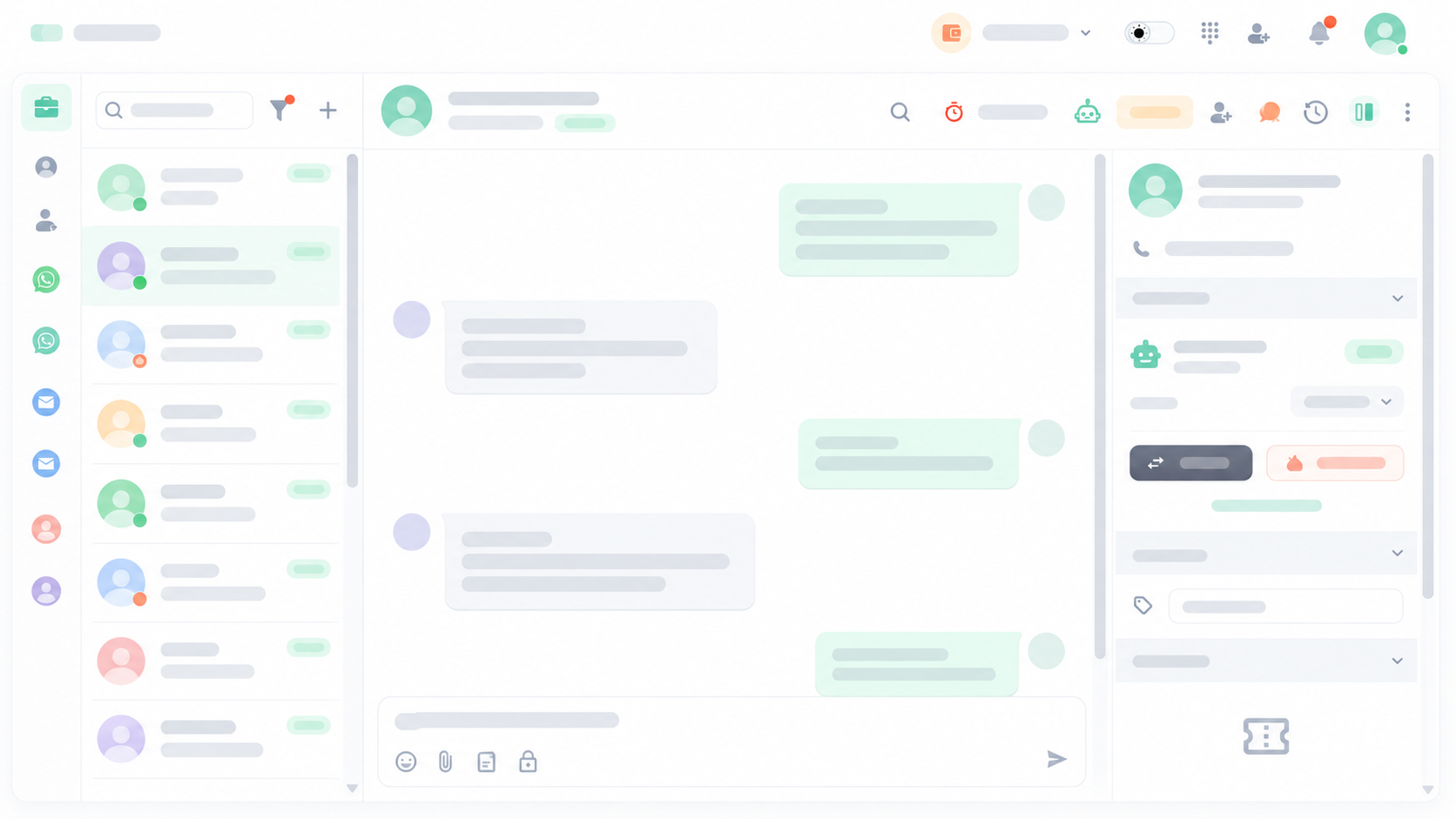
One place for the conversations that matter.
Give your team a shared view of customer conversations across the channels your business uses. Move from a message to a call without losing sight of the customer.
.png)
.png)
Voice calls
.png)
.png)
Web live chat
.png)
SMS


Messenger

A conversation you can act on.
Find the right conversation, filter by channel or label, and use quick replies to handle familiar questions. Keep customer details close to the conversation.
Business calling, with context.
Welcome callers with IVR, direct them to the right team, and keep call records available for follow-up and service review.
Know the customer. Continue the conversation.
Customer information becomes more useful when it is connected to conversations, service requests and the work that follows.
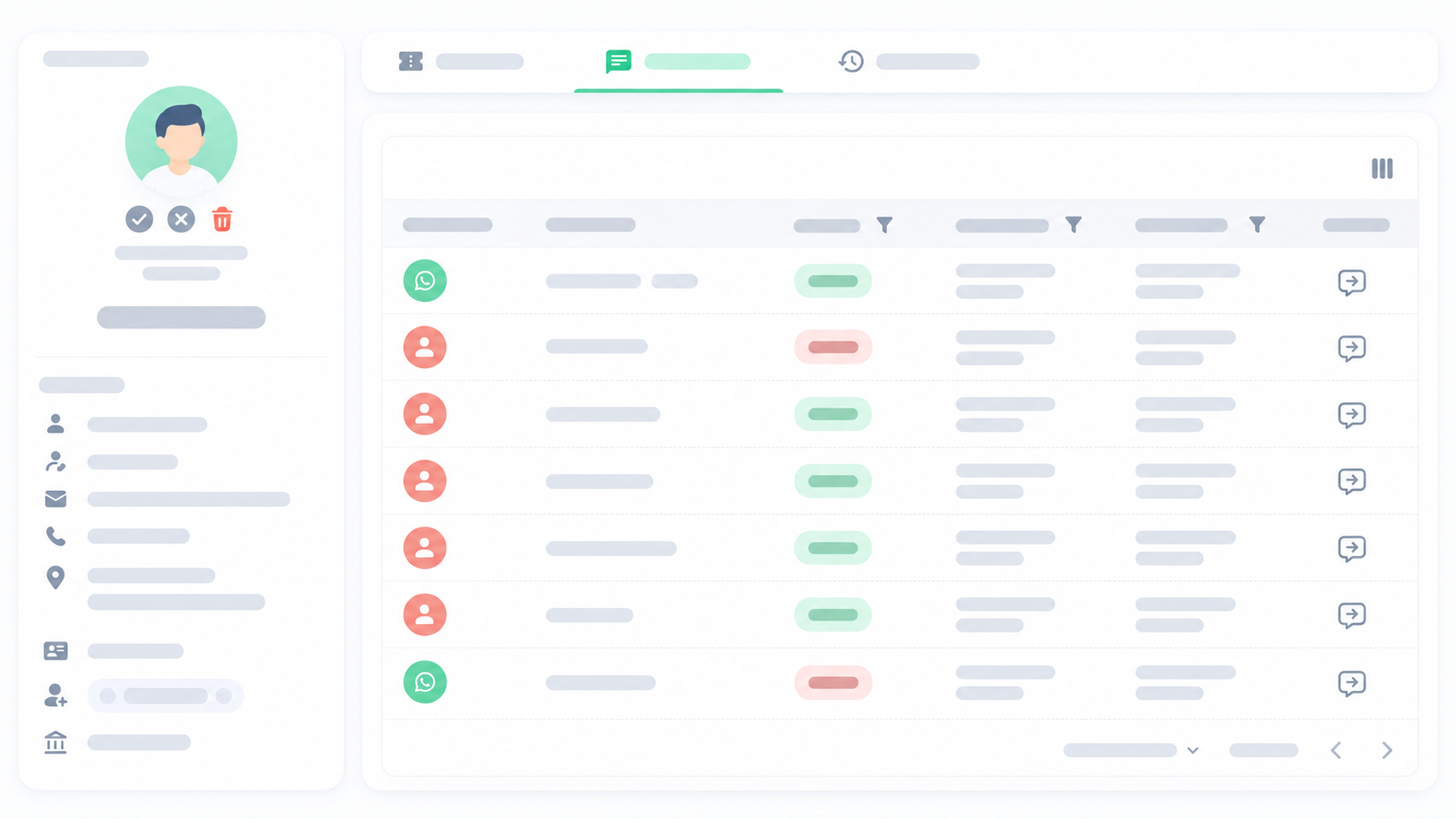
Customer records, connected to your work.
Customer 360
Bring accounts, contacts and their interactions into one customer view.
CRM & Customer 360Service requests with ownership
Connect the request to its customer, priority, status and assigned team.
Customer service & ticketingDetails that fit your business
Organise the customer information your team needs with custom fields.
Dynamic custom fieldsThe next teammate starts with the full picture.
Make responsibility visible. Assign conversations, leave internal notes and organise access so each team can pick up the work with the right context.
Service activation request
In progress
Internal note · Team only
Requirements confirmed. Please coordinate activation with the customer.
Conversation assigned to customer service
Give the next step a clear path.
Connect repetitive actions into a workflow—from an incoming request to assignment and follow-up. Shape the rules around the way your team works.
A request arrives
Check the rule
Assign the work
Keep the context
Reach out with a purpose.
Prepare campaigns for your audience and schedule your outreach. Keep the replies connected to the people and teams who follow up.
Scheduled sendingAI assistance within the conversation.
Support customer conversations with AI agents and helpful responses, with a clear handover when a teammate needs to continue.
AI agentsSee the work. Improve the experience.
Read calls, conversations and service activity together. Follow workload, review customer feedback and keep service priorities visible.
Operational reporting
Follow communication activity and return to the records behind it.
Reporting & insightsCustomer feedback
Use service feedback to understand the experience from the customer’s side.
Customer satisfactionService priorities
Keep response and resolution commitments in view as requests progress.
Service level agreements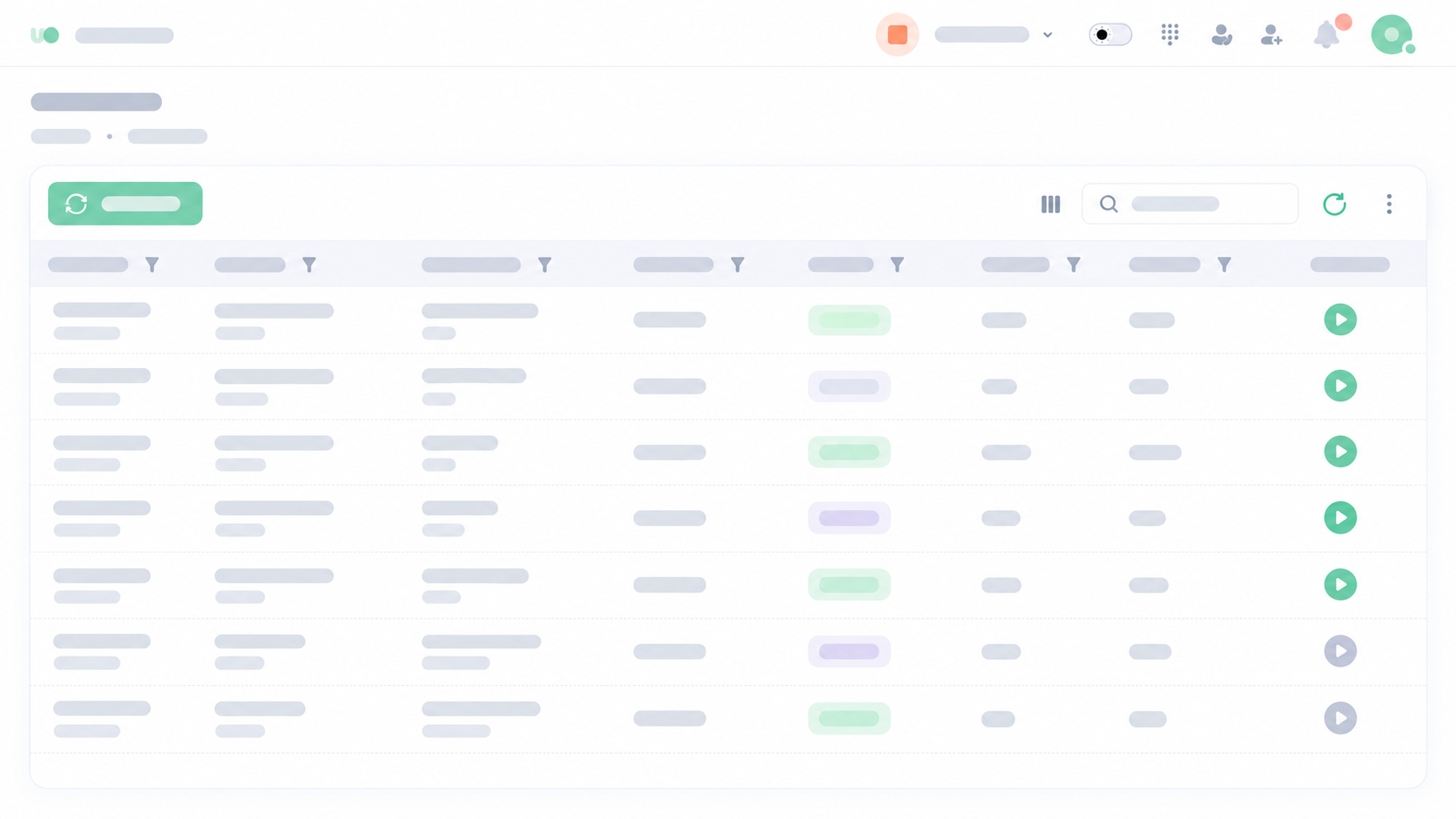
A clear record of your communication activity.
Connected to the way you work.
Keep communication close when you leave your desk, and connect UCaaS with the business tools around your team.
Find the feature for your next step.
Go deeper into any capability. Each feature has its own page with more detail about how it supports your business.
Conversations & calling
Customers & service
Automation & AI
Insights & access
Build a workspace around your business.
Explore the subscription and choose the channels and added services your team needs. For a tailored requirement, talk to the UCaaS team.